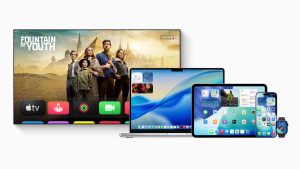




Blog / Autor: Egor Beresnev. / WWDC25: 12 Key Updates Developers Should Know About

WWDC25: 12 Key Updates Developers Should Know About

Egor Beresnev | Marketing manager
7 min.
13.Jun.2025

On June 9, Apple hosted WWDC25 — its annual conference for developers. In this article, we have highlighted 12 key updates that will shape how developers work with Apple devices. From the new Liquid Glass design and revamped Spotlight to expanded Apple Intelligence and Visual Intelligence features — plus updates to iOS, macOS, watchOS, tvOS, and Vision Pro.
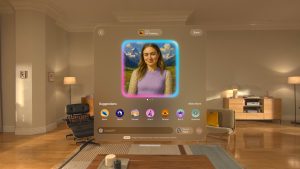
1. Liquid Glass — a new design for iOS and the entire Apple ecosystem

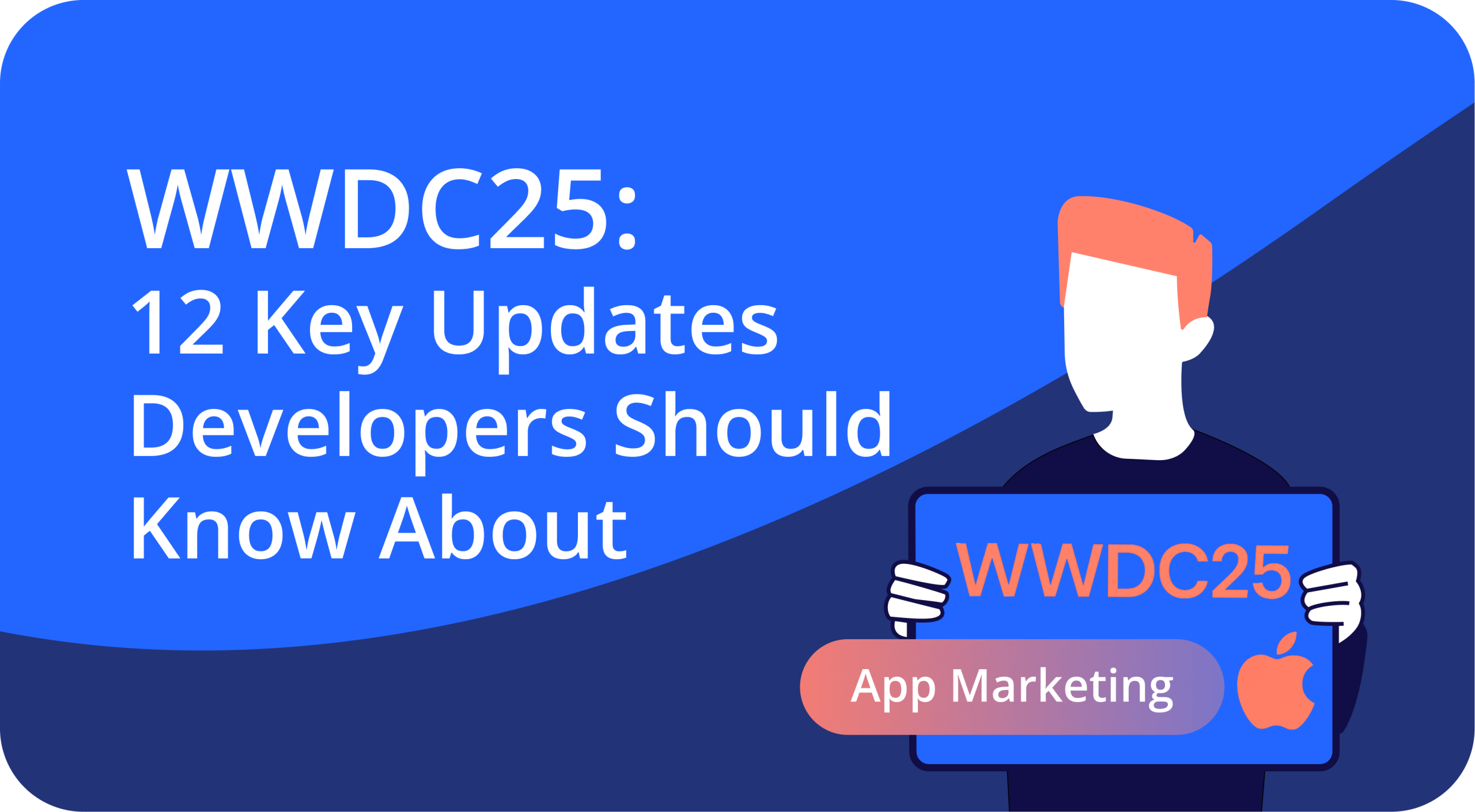
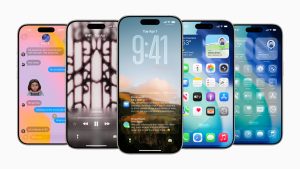
For the first time in ten years, Apple has overhauled the look of iOS with a new design called Liquid Glass. The updated look, featuring semi-transparent effects, is now used in system menus, icons, and apps.

According to Apple, Liquid Glass was created to make content the center of attention and to give the interface a lighter, more expressive feel.
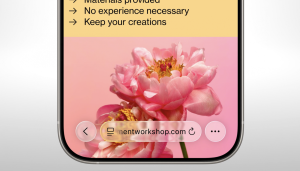
Liquid Glass will become the unified visual language across the entire Apple ecosystem — from iOS to macOS, including apps like FaceTime and CarPlay. The concept was originally tested in the Vision Pro interface and is now being rolled out everywhere.
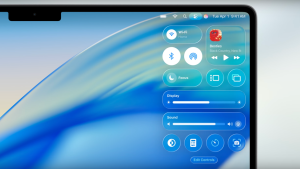
Experts say that adapting app icons to the new style can help apps stand out — and increase their chances of being featured by Apple.

2. Apple Intelligence updates

Apple Intelligence now includes Private Cloud Compute — a cloud-based AI system designed with a strong focus on data security. According to Apple, it’s set to be a breakthrough in privacy for artificial intelligence.
3. Visual Intelligence

At the event, Apple introduced Visual Intelligence — a tool for recognizing objects in screenshots. Users will be able to take a screenshot of any image and run a visual search. If the image includes a date, location, and time, they’ll be able to add the event to their calendar — or send the image to ChatGPT.

4. Launch of Live Translation

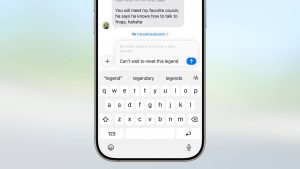
Apple introduced Live Translation — a system-level feature for real-time voice translation. It is already live on the Messages, Phone, and FaceTime apps, with translations processed without a cloud connection to protect user privacy. The tool works during audio calls, in offline mode, and through Apple Intelligence. Apple has not yet announced the list of supported languages.
5. Apple Music Updates
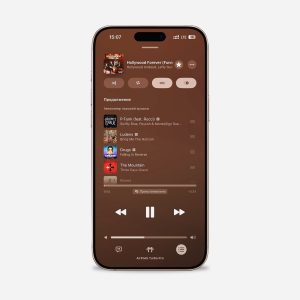
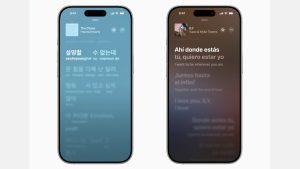
Apple Music now features lyric translations and a DJ mode for seamless transitions between tracks. In the Music section, users can also pin artists and favorite playlists in their library.
6. Icon Composer

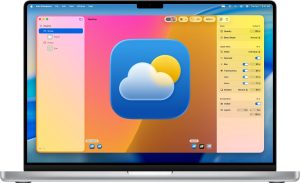
Apple introduced Icon Composer — a tool for creating and adapting app icons across different platforms.
Achieve growth with our expertise and unique tools

Let’s connect

7. Spotlight Update

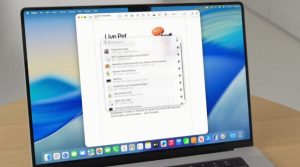
Spotlight received its biggest update yet: it now features clipboard history, smart result sorting, and the option to run commands without switching between windows. Support is provided through the App Intents API.

8. Updated App Icons

App icons have also been updated — they now follow a unified glass-like style with three design options: translucent, dark, and light. Folders are now semi-transparent too, and swiping between home screens comes with a shimmering animation.

9. Tahoe

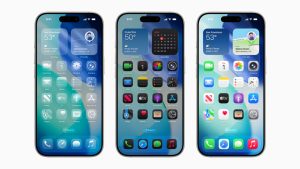
macOS Tahoe 26 is the name of the new operating system for Mac. The main change is the redesigned interface in the Liquid Glass style. The desktop layout remains familiar, but the dock, widgets, and app icons have all been updated with a new look.

10. Vision Pro

Vision Pro now supports spatial widgets, multi-user mode, and compatibility with PlayStation VR controllers. Apple also introduced a stylus for drawing in AR and announced Spatial Web — a new web environment where developers can interact with virtual objects.

11. watchOS

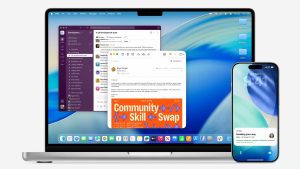
watchOS now features Workout Buddy, a voice-powered AI workout assistant that reads out your stats and keeps you motivated. The Smart Stack also got an upgrade — it now learns your preferences and suggests content based on the context. Notification sounds also adjust to the user’s surroundings.

12. tvOS

Along with refreshed app icons, tvOS 26 now supports personal profiles — recommendations, watch history, and settings will be tailored to each user. The updated karaoke mode allows you to use your iPhone as a microphone, with audio playing directly through the TV.

In summary

Most of the features announced at WWDC25 will roll out in beta versions this summer, with official releases expected in the fall.

This is the time for developers to adapt their apps to Apple’s new tools and design updates. Key areas include integrating Apple Intelligence, supporting the new Liquid Glass style, updating for the redesigned Spotlight, personalizing widgets, and refining interfaces across macOS, watchOS, tvOS, and Vision Pro.

Together, these changes not only make the experience better for users, but also help drive engagement, improve key usage patterns, and increase conversion on the App Store.

Written by

Egor Beresnev Marketing manager egorb@angletech.ai Marketing manager at Angle Agency. Has been working in marketing for over 3 years, editing texts and publications. Egor is a musician and a big movie fan. He enjoys travelling and meeting interesting people. All articles by author

Also read: